Play
Play
Browser
The full client in a tab: terminal, map, vitals, chat. Login and creation by clicking.
Telnet
telnet phoenixmud.net 4000Clients: Mudlet, TinTin++, MUSHclient, Blightmud. The server speaks GMCP, MSDP, MSSP.
Mudlet
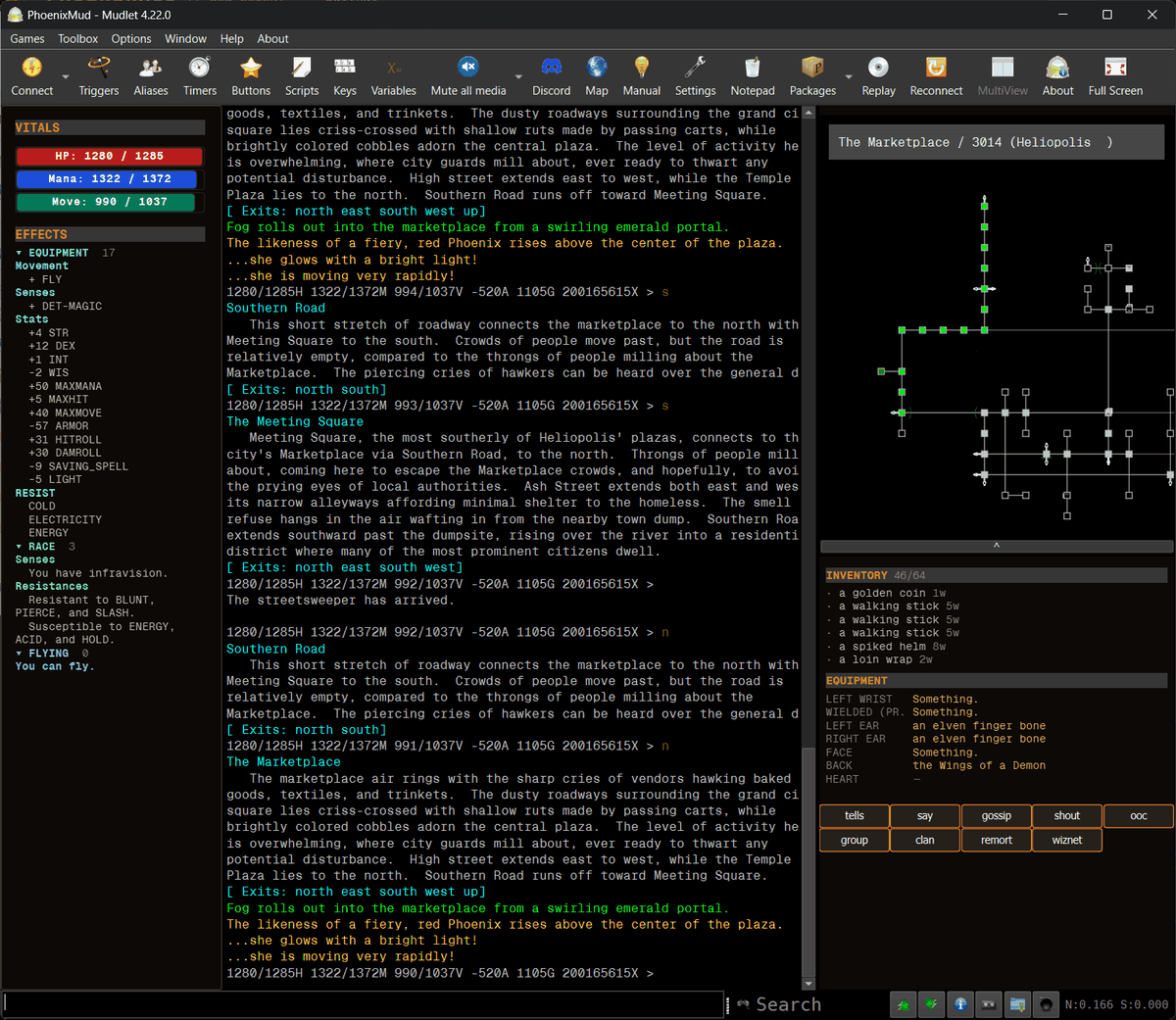
Connect to phoenixmud.net 4000. The PhoenixMUD package installs itself.
- Vitals gauges over GMCP.
- Mapper, preloaded with every room a mortal can reach.
- Chat windows with channel filters.
- Gear and effects panes.
- Updates itself on connect.
- Add a profile for phoenixmud.net 4000, connect.
- Mudlet downloads and installs the package. No prompt.
- Had a map already? phoenix map install replaces it.
Manual install: PhoenixMUD.mpackage.